- 1. Things needed.
- 1.1 Sphereglow transparency
- 1.2 MBAcloudmarble or texture
- 1.3 Particle generator or script
- 2. Lets Get started.
- 2.1 Make the particle
- 2.2 Set measurements
- 3. Smoke&Fire column.
- 3.1 Particle
- 3.2 Python or Particle generator
- 3.3 Play script
- 4. Material
- 4.1 Smoke
- 4.2 Fire
- 4.3 Texturing
- 5. Shadows
- 5.1 Blend
- 5.2 Fix it
- 6. Lights
- 6.1 Make ground object
- 6.2 Shadows
- 6.3 Fire ring lights
- 6.4 Fire center light
- 7. Brought to you by.
1.1 Sphereglow transprency this may be substituted but i find this works best.
Currently is not avaliable for download but can be purchased through Caligari here. Sphereglow
1.2 MBAcloudshader or an appropriate texture for smoke and fire. Available through download from here. (Dead Link)
1.3 For the column any particle generator will do or python script. (Note) Ive include a python script that makes an ok column.
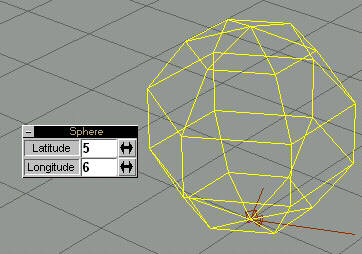
2.1Make the particle
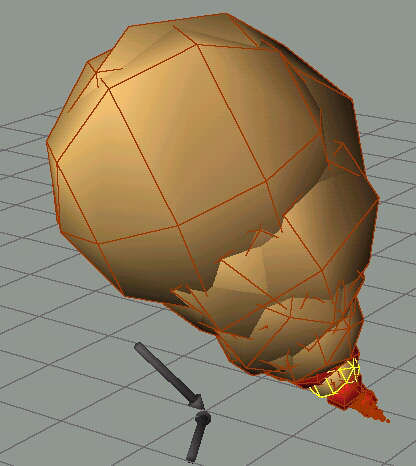
A sphere with latitude of (5) and longitude of(5) will do fine. This is to keep polygon count down. Referr to Fig.2-a
 Pyroparticlecolumn.py and PyroParitclesclouds.py)
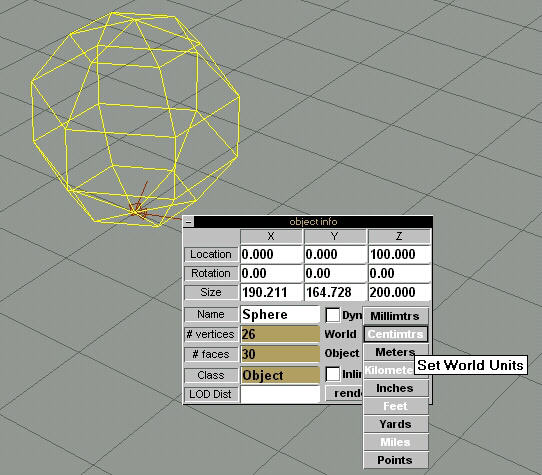
2.2 Set measurements
Make the object and world properties to either millimeters or centimeters in object info pannel. This makes sure the particle column doesnt get to big. Referr to Fig.2-b
I've included 2 python scripts we use the column one for this tutorial. They can be found here. Column / Clouds
3.1 Particle
Select
the above made particle.
3.2 Python
or Particle generator
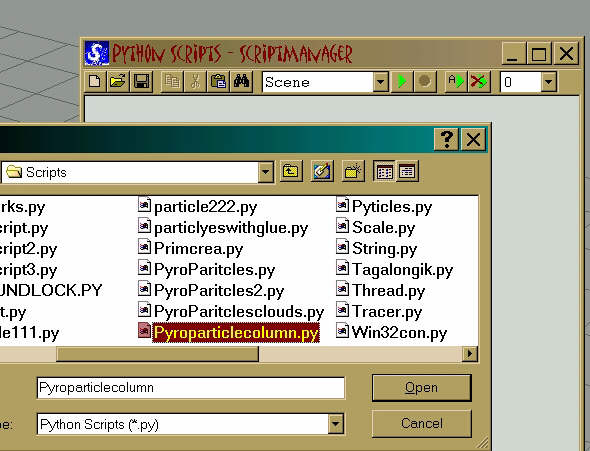
Open
python scripts up and then load up the python script that
I included under scene. Or use your own generator.
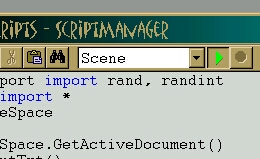
3.3 Play script
This
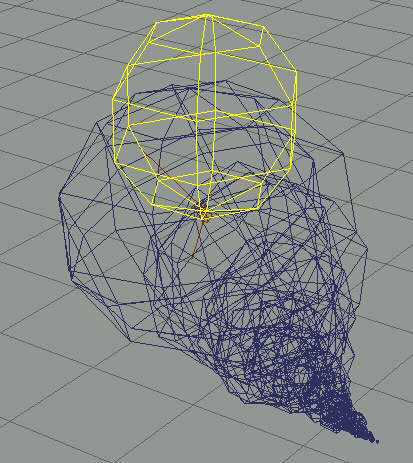
will create a suitable test column for us.
This one only works with stills Id really like to see it
tried out with animated particles.
(Note) Experiment here alot this is where you can get
from column,clouds, to atom bomb effects.
3.4 Adjusting
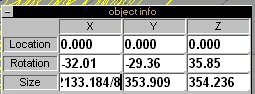
Lets resize it if you did like I did and used centimenters. Go to object info again and divide size by 8 for x,y,z and in the location enter 0,0,250. Then rotate the perspective view so you can see the column. Also delete the original particle.
4.1
Smoke
Lets get MBA out or a texture make a texture that works
good for the smoke.
Heres a setting you might try. Brown,1 Black,1 Darkred
almost black,1
Id make one redish-dark grey. Use matte with full
diffusion and 0 ambient.
For transparency we will use one of our secret
ingredients. Sphereglow transparency
With these settings. attentuation of 1.80
(Note) experiement with the transparency settings
also experiment with like steam columns.
Save this to a new material library.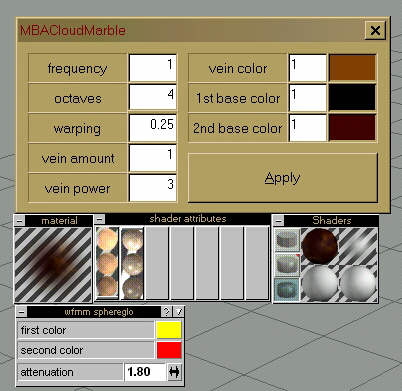
4.2 Fire
Same as above Except for the color but Ive found a fair
solution for fire with MBA.
First color orange set at like 5, next one red set at 1
and finally yellow set at .5
Save this to a new material library.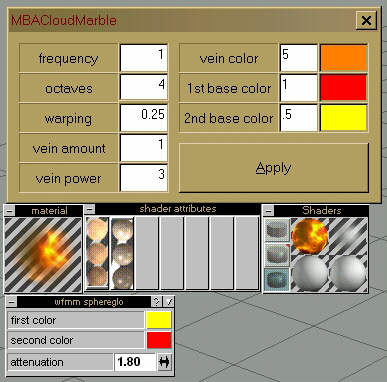
4.3 Texturing
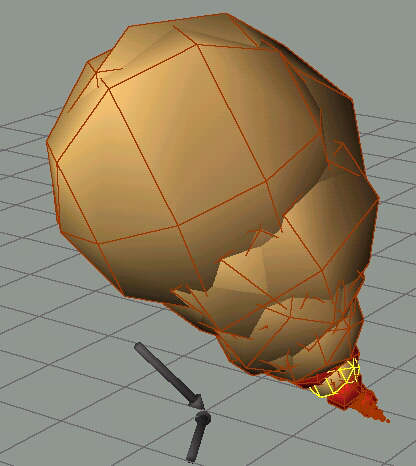
Paint the whole column with the smoke material you made.
Then step through the particles by first pressing the
down arrow key then pressing right or left. The particles
at the bottom we want fire so paint them with the secound
material you made. Step up through the column painting
the particles with fire till about 1/3 of the way up. And
at this point you want to varying like make some fire and
some smoke. Then leave the top 2/3 smoke.

5. Shadows
5.1 Blend
If you render now with a shadow casting light you may
notice something about the particles being to dark in
some places. Where it might be catching shadows.(Note) I
didnt put enough fire into the smoke. It should be like
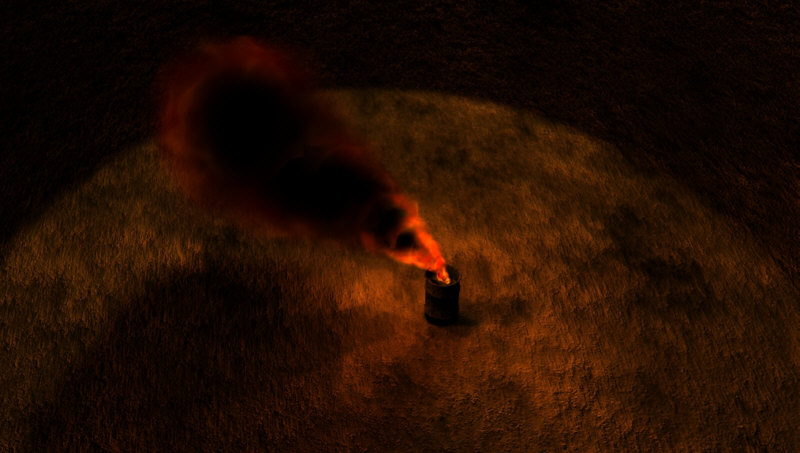
in the scene with the barrel. Or even more.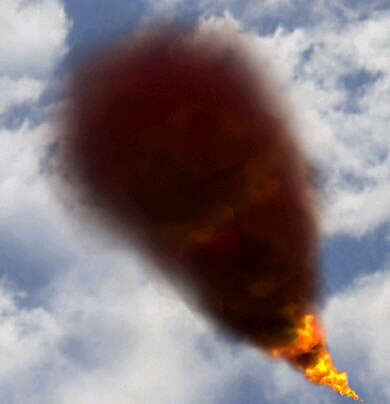
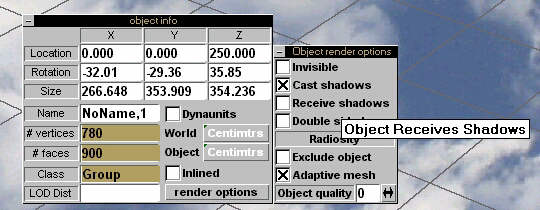
5.2 Fix it
Another secret ingredient.
Select the whole column.
In object info under render options make sure Recieve
shadows is not checked.:)
Finally lets do a bit of lighting for the fire.
6.1 Make a ground object this is so we can see our lighting better.
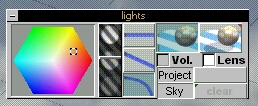
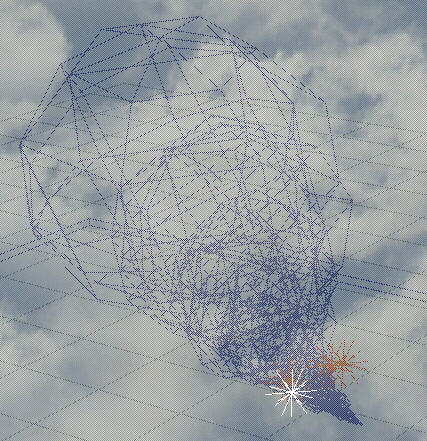
6.2 Fire ring lights.
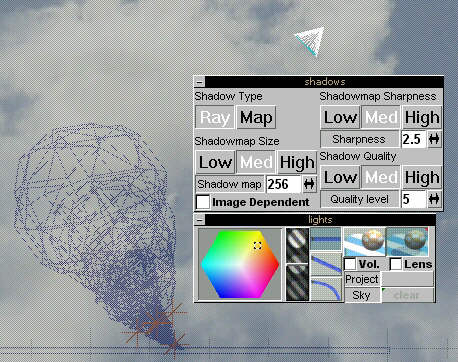
Make 4 locals with these settings. Arrange these around the middle portion of the flame.
6.3 Fire center light.
Make 1 local with these settings.
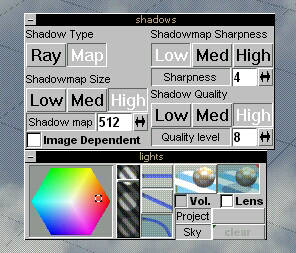
And place it bottom center of the flame.
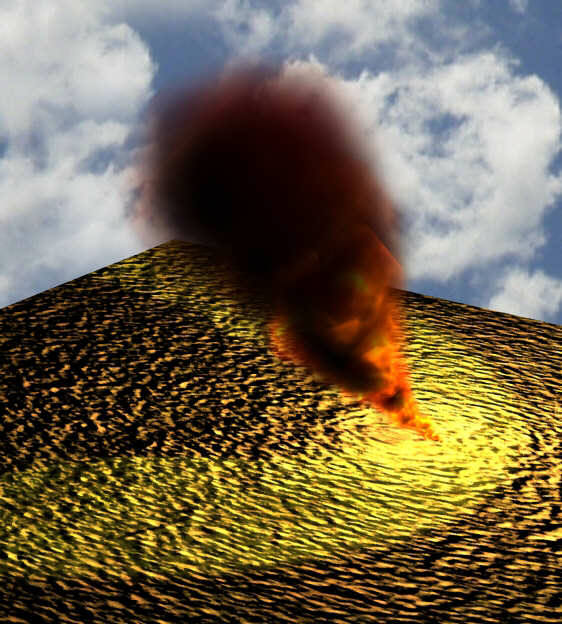
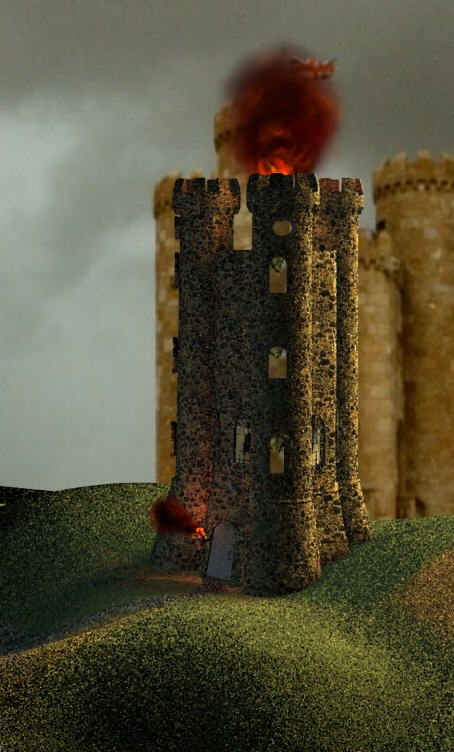
Here it is used in a couple of scenes. :)
Down below.
Jonathan Koehn.
Special thanks to Terry Halladay. For all the much appreciated help with.
Thanks Darren Waschow and Kevin Barnett for trying giving me the much needed feed back on the tutorial.
Thanks IRC #truespace for looking at all the test renders and for all the feed back :)
Thanks Ann for the html help with the tutorial.